
Tracking quote requests and WhatsApp clicks in Google Analytics 4
By Lacina DraboPublished on
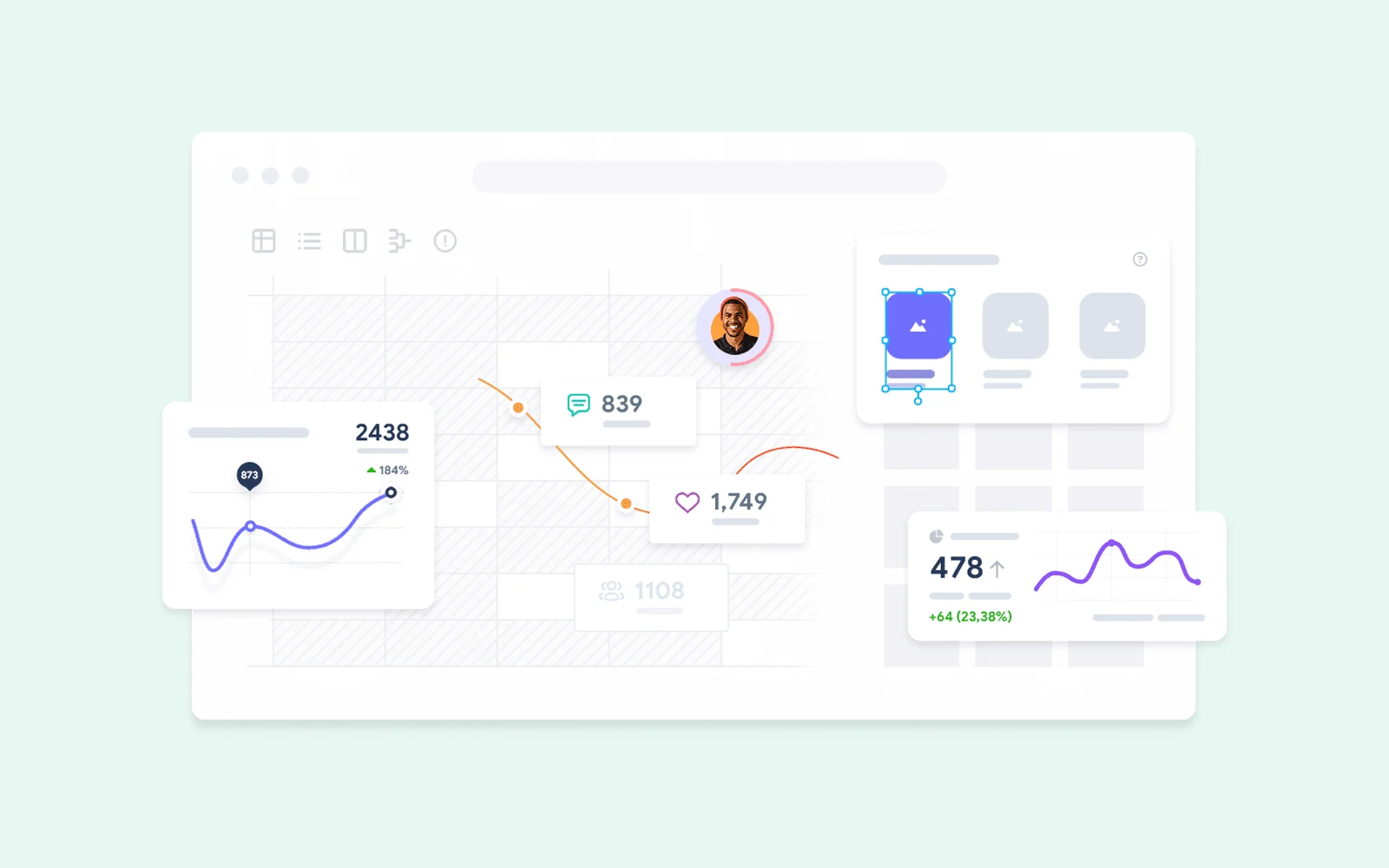
Many businesses receive their inquiries through WhatsApp or by phone rather than through a form. The problem: these contacts are invisible in the analytics. You see visits, then messages arrive, without knowing which page triggered them.
Google Analytics 4 (GA4) can measure each of these actions and attach it to the page it started from. Here is how, with or without Google Tag Manager.
What GA4 can measure, and what it cannot see
GA4 measures what happens on your website: the visit, then the click on a WhatsApp link, a phone number or an email address, or the submission of a form.
It does not see what happens afterwards: was the WhatsApp message actually sent? Did the call go through? Did the prospect become a client? A click on WhatsApp measures an intention to get in touch, not a conversation. To connect sales to pages, add a simple question asked to every new contact: "How did you find us?"
The 4 actions to track on a business website
| Action | Link involved | Suggested event name |
|---|---|---|
| Click to WhatsApp | https://wa.me/… or api.whatsapp.com |
whatsapp_click |
| Click on the phone number | tel:… |
phone_click |
| Click on the email address | mailto:… |
email_click |
| Request sent | Form submitted successfully | generate_lead |
generate_lead is an event name recommended by Google for contact requests; the other three are custom events, which you can name as you like.
Once these events are received, mark them as key events in GA4 (Admin, Data display, Key events). They are what will appear as results in your reports.
Method 0: what GA4 already measures without installing anything
GA4's enhanced measurement, enabled by default in the data stream settings, already records outbound clicks: every click to another domain produces a click event, with the link's address in the link_url parameter. A click to wa.me is one of them.
You can therefore create a whatsapp_click event based on click, with the condition "link_url contains wa.me" (Admin, Data display, Events, Create event), then mark it as a key event.
This method has two limits: it does not see tel: and mailto: links, which do not lead to another domain, and the enhanced measurement form_submit event fires when the form is submitted, even if the submission fails. For reliable measurement, you need one of the following two methods.
Method 1: with Google Tag Manager
The trigger on WhatsApp links
- In Tag Manager, enable the built-in Click URL variable.
- Create a trigger of type Click – Just Links, firing on some clicks: Click URL contains
wa.me. - Do the same for
tel:andmailto:(condition "starts with").
The event and marking it as a key event
- Create a Google Analytics: GA4 Event tag, with your measurement ID and the name
whatsapp_click. - Attach it to the WhatsApp trigger. Repeat for the phone and the email.
- Publish the container, then mark the events as key events in GA4.
Method 2: directly in the website's code
If GA4 is installed with the Google tag (gtag.js), a few lines are enough for the links:
document.addEventListener("click", (event) => {
  const link = event.target.closest("a[href]");
  if (!link) return;
  const href = link.getAttribute("href");

  if (/wa\.me|api\.whatsapp\.com/.test(href)) gtag("event", "whatsapp_click");
  else if (href.startsWith("tel:")) gtag("event", "phone_click");
  else if (href.startsWith("mailto:")) gtag("event", "email_click");
});
For the form, the event must be sent once the submission is confirmed, in the code that handles the response:
if (result.success) {
  gtag("event", "generate_lead", { form: "quote" });
}
This is the most reliable method for quote requests: only a successful submission is counted.
Check that everything comes through
Before trusting the numbers, test:
- Open your website with the Tag Assistant preview (or the Tag Manager preview).
- Click on your WhatsApp button, your phone number and your email address, then send a test request.
- In GA4, open DebugView (Admin, Data display): each event should appear within a second.
The events then take one to two days to appear in the standard reports.
Reading the results: which pages generate inquiries
In the Landing page report (Reports, Engagement), add the key events column: you see, for each entry page, how many visits end with a WhatsApp click, a call or a request.
This is where measurement becomes useful: a page that receives many visits but no inquiries deserves to be reworked; an article that brings in inquiries deserves to be expanded and linked to your service pages. The diagnosis of a website that generates no clients starts from these numbers.
To see how visitors use a page (where they click, how far they scroll), a tool such as Microsoft Clarity complements GA4. It is the one I use on this website.
Consent and personal data
GA4 sets cookies. For visitors from the European Union, the United Kingdom and Switzerland, their consent is required, and the website must pass it on to Google, for example with Consent Mode. Your privacy page must also mention the analytics tool used.
Setting up this measurement, connecting it to Search Console and turning it into a clear dashboard is part of the SEO & Data work: knowing what brings in results before deciding where to invest.
Related service
SEO & Data
Get found by the right customers on Google, and measure what your website brings in.
Read next
 Website
Your website brings in no clients? A 4-step diagnosis
Traffic, message or contact path: a 4-step diagnosis to understand why your website generates no inquiries, and what to fix first.
 SEO
SEOWebsite missing from Google: 7 checks, in order
Your website does not appear on Google, not even for your name? The 7 checks to run in order with Search Console, and how to fix each cause.
 Website
Recovering your website, domain name and access from a former provider
Provider unreachable or holding on to your access? What should belong to you, how to check it, and how to recover your domain, hosting and code.
 Français