
A website that generates no inquiries does not necessarily have a design problem. Most of the time, it gets stuck at one of these points: nobody sees it, it attracts visitors who are not customers, its offer is not understood, or contacting you takes too much effort.
The order matters. Reworking the contact button of a site that Google never shows is pointless, and so is chasing traffic for a page that convinces no one. Here is the diagnosis I apply, in order, with what you can check yourself for free.
Traffic, message or contact path: where does the problem come from?
To turn a Google search into a quote request, a website has to clear four steps. Each one conditions the next:
- Being shown: Google displays your pages when your future customers search for what you offer.
- Attracting the right people: the visitors who click actually need your offer.
- Being understood: within a few seconds, visitors know what you do, for whom, and why they should trust you.
- Making contact easy: writing to you or calling you is simple, on a phone as well as on a computer.
The diagnosis consists of finding the first step that blocks. That is the one to fix first: as long as it blocks, improvements made further down produce nothing.
Step 1: check that Google shows your website
What impressions in Search Console tell you
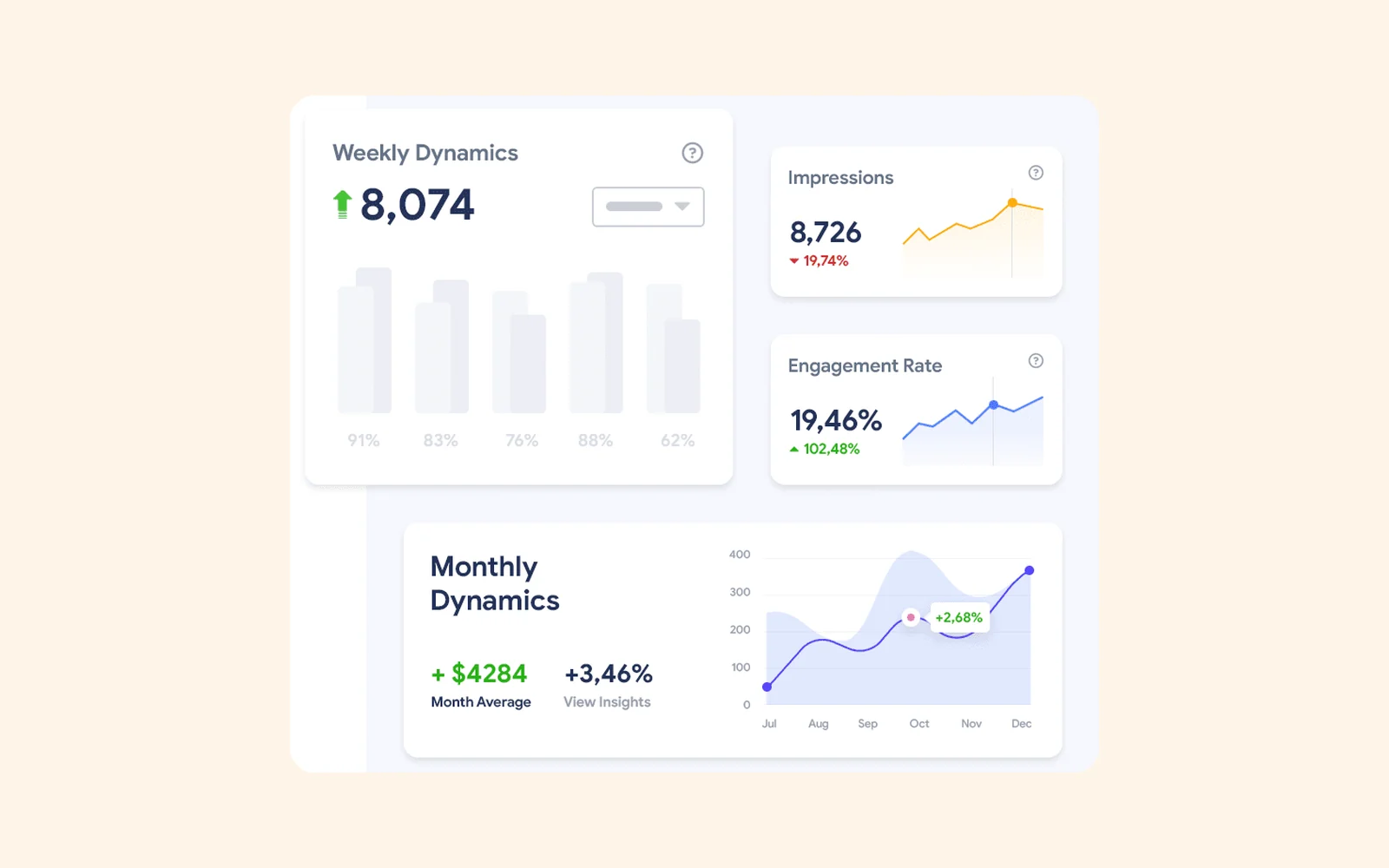
Google Search Console is Google's free tool that shows how your website appears in search results. In the Performance report, the first number to look at is not clicks but impressions: the number of times one of your pages was displayed in the results.
- Few or no impressions: Google almost never shows your site. The problem lies upstream (indexing, content, competition), and no visual change will fix it.
- Impressions but very few clicks: you appear, but too low in the results, or with a title and description that do not make people want to click.
- Regular clicks: visibility exists; the blockage is further along.
If Search Console is not set up for your website, start there. Without it, you know neither whether Google knows your pages nor which searches they appear for.
Recent or poorly indexed websites
A website can be online without being indexed, that is, without being in Google's database. The Pages report in Search Console shows how many pages are indexed and why the others are not.
A page blocked by a noindex tag forgotten after launch, by an overly restrictive robots.txt file or by a canonical tag pointing to another address will never be shown, whatever its quality. I detail these checks in the guide for a website missing from Google.
Step 2: check that your visitors are the right ones
The queries that bring you visitors
Still in the Performance report, the Queries tab lists the searches for which your website appears. Read them with a single question in mind: can the person typing this search become a client?
Take an accounting firm whose website mainly appears for "balance sheet definition". It attracts students, not business owners looking for an accountant. The traffic exists, but it does not match the offer.
Visits but no inquiries: a mismatch in intent
If the searches that bring you visitors are all informational, and none of your pages appears for commercial searches ("your trade + your city", "price", "quote"), your website attracts the curious rather than clients.
The fix involves service pages that answer these commercial searches, one page per service, and links that lead your informational content to those pages.
Step 3: check that your offer is understood within seconds
The five-second test
Show your homepage for five seconds to someone who does not know your company, then hide the screen. Ask them what you do, for whom, and what they could do next on the site. If they hesitate, your visitors hesitate too, and most will not look any further.
The usual causes:
- a slogan instead of a clear description of what you sell;
- the company's internal vocabulary, which your customers do not use;
- a first screen taken up by a large image, with no text explaining the offer.
Proof: projects, testimonials, contact details
Before contacting a company they do not know, visitors look for reasons to trust it: concrete work, reviews from identifiable clients, a name, an address, a phone number. A website with none of this proof asks them to take you at your word.
Step 4: check that contacting you is simple
Form, phone, WhatsApp: an obvious path
Every important page should make it clear what to do next. A form with ten required fields, a phone number that cannot be tapped to call, or a contact link hidden at the bottom of the page is enough to lose inquiries.
If your customers prefer to write on WhatsApp, offer it explicitly: a link that opens the conversation directly is better than a number to copy.
Test the journey on a phone
Go through the whole journey yourself, on your phone and on a mobile connection: search for your service on Google, open the site, find the offer, send a request. Note every wait and every hesitation.
Above all, check that the form actually works: send yourself a test request and make sure it arrives. A form that sends nothing alerts no one, and it can stay broken for months.
Measure before you change anything
Without measurement, there is no way to know whether a fix helped. The minimum:
- Search Console, for visibility in Google;
- an analytics tool (Google Analytics 4, for example) that counts form submissions and clicks to your phone, email and WhatsApp: the setup is detailed in tracking WhatsApp clicks and quote requests in GA4;
- a question asked to every new contact: "How did you find us?"
Record the starting point before changing anything. It is the only way to know, a few months later, what actually worked.
When to call for an audit
The checks above are often enough to find the step that blocks. An audit becomes useful when the problem is not obvious, when several steps are failing at the same time, or when you need to choose between fixing the existing site and rebuilding it.
That is the purpose of the website audit I offer: every step is checked and every fix is ranked by priority. If the diagnosis shows that the site needs to be rebuilt, the redesign is prepared from what already works, so that nothing is lost along the way.
Related service
Website audit
Understand why your website is not delivering enough, and know what to fix first.
Read next
 SEO
SEOWebsite missing from Google: 7 checks, in order
Your website does not appear on Google, not even for your name? The 7 checks to run in order with Search Console, and how to fix each cause.
 DATA
DATATracking quote requests and WhatsApp clicks in Google Analytics 4
WhatsApp clicks, calls, emails and forms: measure them in GA4, with or without Tag Manager, and find out which pages generate your inquiries.
 Website
Recovering your website, domain name and access from a former provider
Provider unreachable or holding on to your access? What should belong to you, how to check it, and how to recover your domain, hosting and code.
 Français